
WiFi Management Software: Which One to Choose
WiFi management software refers to computer applications designed to monitor, control and optimize wireless networks. Unlike basic mobile hotspots or simple connection sharing, WiFi management software provides advanced functionality that’s perfect for businesses, travelers, and anyone who needs robust internet sharing capabilities.
There are quite a few players on the market – depending on what your exact needs are, you should choose the best to fit your use case. The most popular WiFi management software, trusted by millions of users worldwide is Connectify Hotspot, which has been around since 2009.
Why and Where to Use WiFi Management Software
At its core, WiFi management software allows users to:
- Share internet connections with other devices
- Control bandwidth usage and access
- Monitor connected devices
- Extend or create a hotspot from virtually anywhere
Here are some real-world situations where WiFi management software becomes indispensable:
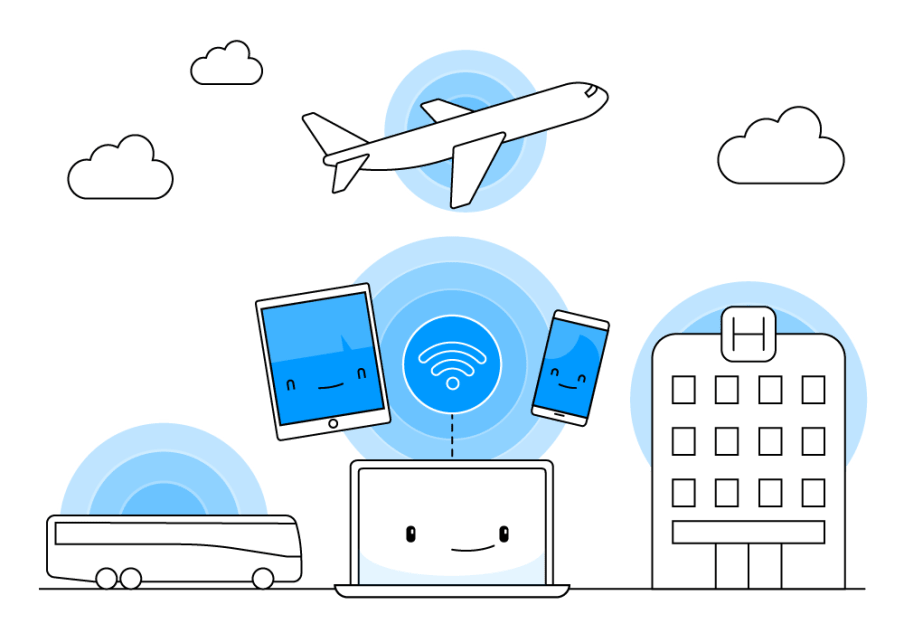
Travelers: Hotels often charge per device or offer limited connections. With the right software, a traveler can connect their laptop and share that connection with their phone, tablet, or travel companion’s devices.
Kiosks & Digital Signage: Retailers and event organizers can deploy temporary internet access points for marketing, customer engagement, or operations without needing dedicated hardware.
Remote Work Setups: Professionals working from cafés or co-working spaces can create a secure private network on the fly, especially when dealing with sensitive company data.
Rural or Poor Connectivity Areas: Users relying on USB dongles or tethered mobile data can share the connection across multiple devices, improving productivity and reducing costs.
Why Choose Connectify Hotspot as Your WiFi Management Software for Windows
When it comes to sharing any type of internet connection via Wi-Fi from a Windows PC, Connectify Hotspot is consistently more popular than its competitors like Antamedia, MyPublicWiFi, and others. Here are the main benefits of using Connectify Hotspot:
1. Supports Any Type of Internet Connection
Most other solutions are limited in terms of what connections they can share. Connectify Hotspot can broadcast WiFi from:
- Wired Ethernet sources
- WiFi networks
- 4G/5G cellular USB dongles
- Tethered phones (iPhone/Android)
- VPN-protected connections like Speedify
This makes it perfect for complex environments or locations with restricted internet options.
2. Built-in Universal Ad Blocker
Connectify Hotspot can save up to 60% of Internet bandwidth by using the built-in universal ad blocker. It even blocks in-app ads!
3. Command Line Interface (CLI) access
For businesses, Connectify Hotspot provides advanced features like access to a command line interface (CLI), managing device IP and network access, and detailed usage analytics. The solution also supports multiple simultaneous connections, making it suitable for small offices, events, or retail environments. It’s a good option to manage the hotspots for info kiosks as well, as many of those offer free Wi-Fi in their vicinity.
4. WiFi Repeater and WiFi Bridging Modes
Connectify Hotspot also allows your Windows computer to become a WiFi extender device, rebroadcasting your main wireless signal with the same network name and password. It also eliminates networking issues by easily bridging other devices onto your home network with WiFi Bridging Mode: eliminate all game consoles (Nintendo, Playstation, Xbox) and smart TV connectivity problems with your home WiFi network!
Getting Started with Connectify Hotspot WiFi Management Software
Implementing WiFi management software doesn’t require technical expertise or expensive hardware investments. With Connectify Hotspot, you can transform any Windows PC into a professional-grade wireless access point in minutes, not hours.
Whether you’re traveling, managing a public-facing kiosk, or simply trying to extend internet access at home, this powerful WiFi management software gives you everything you need—without the complexity or the price tag of competing platforms.
Try it for free and discover why millions of users around the world trust Connectify Hotspot to keep them connected wherever they go.
Share this Post