Use Your Chromecast and Google TV Streamer on Hotel WiFi Hotspots
Connectify Hotspot saves you time and hassles with setting up your Chromecast and Google TV Streamer on hotel WiFi networks
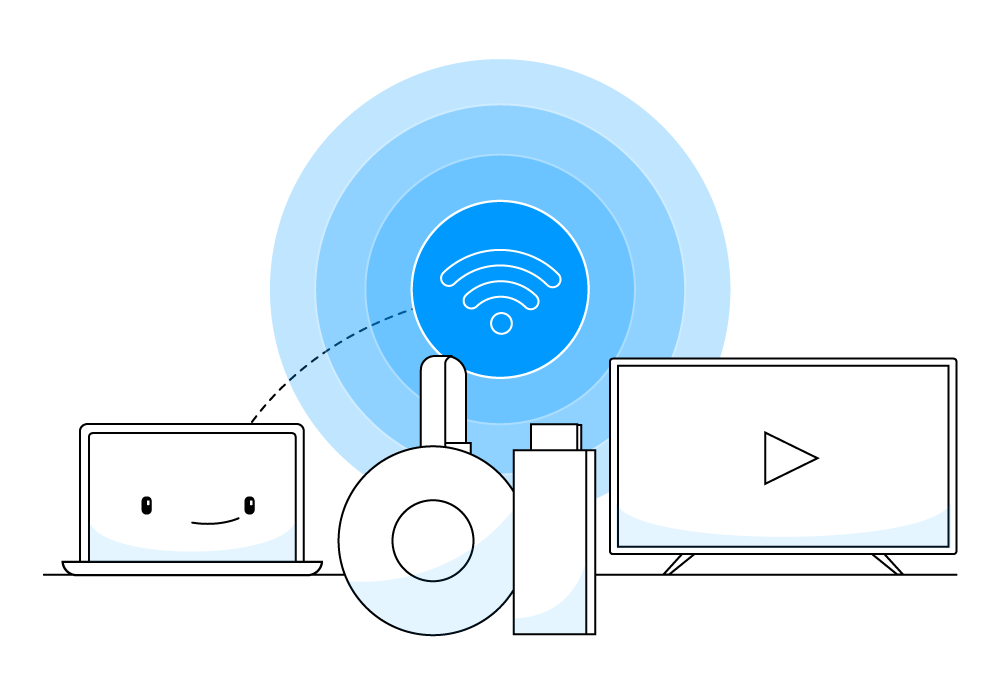
Turn Your Chromecast and Google TV Streamer into a True Plug and Play Streaming Device
Chromecast / Google TV Streamer is a life-changing device. Simply plug it into a TV and enjoy everything from Netflix and Hulu to YouTube and Twitch. It seems like the perfect tool for the weary road warrior—until you try and use it at your hotel. The biggest limitation and time consuming activity with the Chromecast / Google TV Streamer is you have to set it up with every new WiFi network. If you are frequently traveling, this can make the Chromecast / Google TV Streamer almost too much trouble to bother with.
Now you can use the Connectify Hotspot software app on your Windows laptop as a middleman for the Chromecast / Google TV Streamer. The first time you use Chromecast / Google TV Streamer with your Connectify Hotspot you will have to set it up manually. But, every time after that, all you need to do is open up your laptop and turn on your Connectify Hotspot, your Chromecast / Google TV Streamer will recognize the Connectify Hotspot connection from its last connection.
See it in action!
Set Up Your Chromecast / Google TV Streamer with Your Connectify Hotspot WiFi to Use in Hotels
See how easy it is to use Connectify Hotspot for Windows computers as a middle man with your Chromecast / Google TV Streamer. Share the Internet with all your devices, save money and bandwidth, get rid of any networking issues due to incompatible hardware.
Enjoy your travels and don't worry about connecting your Chromecast / Google TV Streamer to the hotel WiFi network each time.
Why Use Connectify Hotspot with your Chromecast / Google TV Streamer on Hotel WiFi?
When traveling frequently, you may use your Chromecast streaming device or Google TV Streamer to watch your favorite shows and movies online from the hotel. If you were ever in one of these situations...
- Stuck in a hotel room with just a wired Ethernet connection and have no way of getting your Chromecast / Google TV Streamer device online.
- Using the hotel WiFi where Internet is expensive and is paid per device.
- Unable to connect the Chromecast / Google TV Streamer to hotel WiFi due to having to log in from the browser window
... then you understand why it's important to use Connectify Hotspot as the middle man between hotel WiFi and your Chromecast / Google TV Streamer.
3 Tips to Make Your Chromecast / Google TV Streamer Work Seamlessly over Hotel WiFi

Connectify Hotspot - Cast Easily with Chromecast / Google TV Streamer on Hotel WiFi Networks
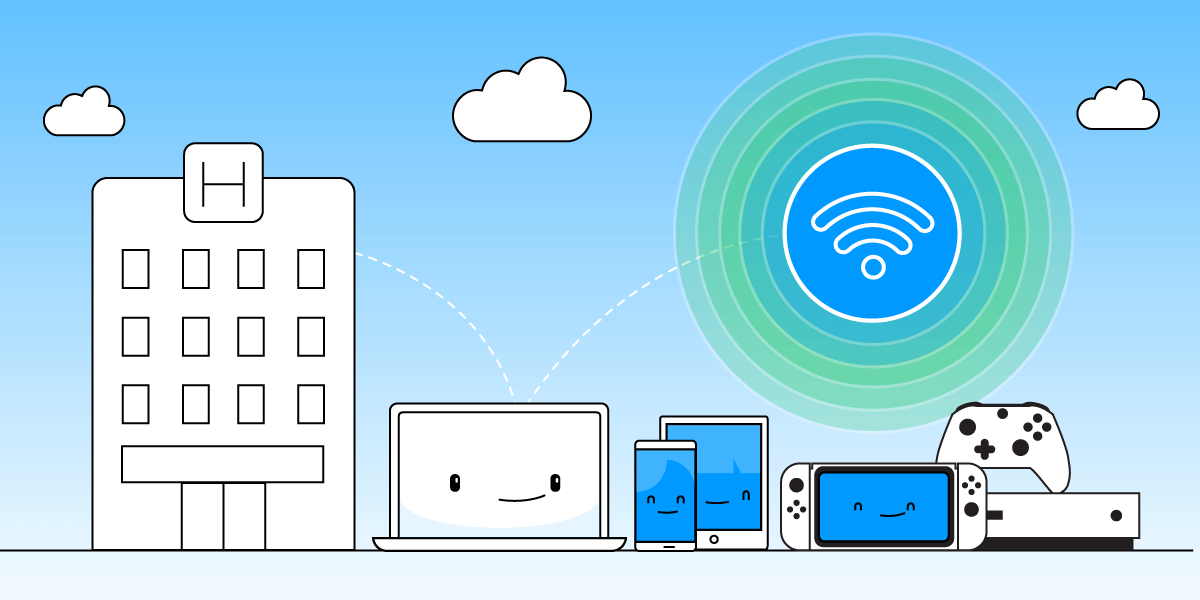
While other WiFi booster software apps only “help” you share your Internet connection (inherent issues included – NAT levels, peering, Chromecast apps won’t find your Chromecast, your Apple TV won’t show up for your Mac to stream to…), Connectify Hotspot offers you more:
- Share any Type of Internet Connection with All your Devices: share Internet from existing WiFi networks, LAN, DSL, 4G/5G, even tethered smartphones! You can also share VPN connections via WiFi!
- Save up to 60% of Internet bandwidth by using the built-in universal ad blocker. It even blocks in-app ads!
- Save Money While Traveling: Get all devices online for the price of one when being charged for Internet per device at hotels, on airplanes, etc.
- Eliminate networking issues by easily bridging other devices onto your home network with WiFi Bridging Mode: eliminate all game consoles (Nintendo, Playstation, Xbox) and smart TV connectivity problems with your home WiFi network!
- Boost your WiFi range with WiFi Repeater Mode in your dorm room or office and getting full coverage in your dorm room.
Get Connectify Hotspot
Choose the option that's right for you.

Hotspot MAX

3x Hotspot MAX Lifetime