Guest Wi-Fi Solutions Using Any Windows Device
Connectify Hotspot software app helps you create a guest Wi-Fi network and manage it for best results.

Why You Need Guest Wi-Fi Solutions
Guest Wi-Fi solutions serve multiple critical purposes. First, they protect your primary network from potential security threats by isolating visitor devices from your main infrastructure. This prevents unauthorized access to sensitive business data, personal files, and connected devices like printers or smart home systems.
Additionally, guest Wi-Fi networks help manage bandwidth usage more effectively. For businesses, offering free Wi-Fi also enhances customer experience and can increase dwell time, potentially boosting sales.
Guest Wi-Fi Solutions
Use Connectify Hotspot on Any Windows Device
See how easy it is to use Connectify Hotspot for Windows computers as a guest Wi-Fi solution. Share your Internet with your guests, save money and bandwidth, get rid of any networking issues due to incompatible hardware.
Why Use Connectify Hotspot as a Guest Wi-Fi Solution
Among software-based guest Wi-Fi solutions, Connectify Hotspot transforms any laptop or PC into a powerful Wi-Fi hotspot, making it ideal for creating temporary or permanent guest Wi-Fi networks.
Connectify Hotspot offers several advantages for guest Wi-Fi deployment. Its interface allows users to quickly set up secure networks with custom names (including emojis) and passwords. The software supports various connection sharing options, including Ethernet, Wi-Fi, and even mobile data connections. Also, the built-in universal ad blocker can be activated, being able to limit in-app ads for connected devices as well.
For businesses, Connectify Hotspot provides advanced features like access to a command line interface (CLI), managing device IP and network access, and detailed usage analytics. The solution also supports multiple simultaneous connections, making it suitable for small offices, events, or retail environments. It's a good option for info kiosks as well, that can provide guest Wi-Fi networks in the vicinity.
The software's portability is another key benefit. Unlike hardware-dependent solutions, Connectify Hotspot can be deployed anywhere a Windows device is available, offering unmatched flexibility for temporary setups or traveling professionals.
4 Steps to Create a Guest Wi-Fi Network with Connectify Hotspot

Connectify Hotspot - Best Guest Wi-Fi Solution
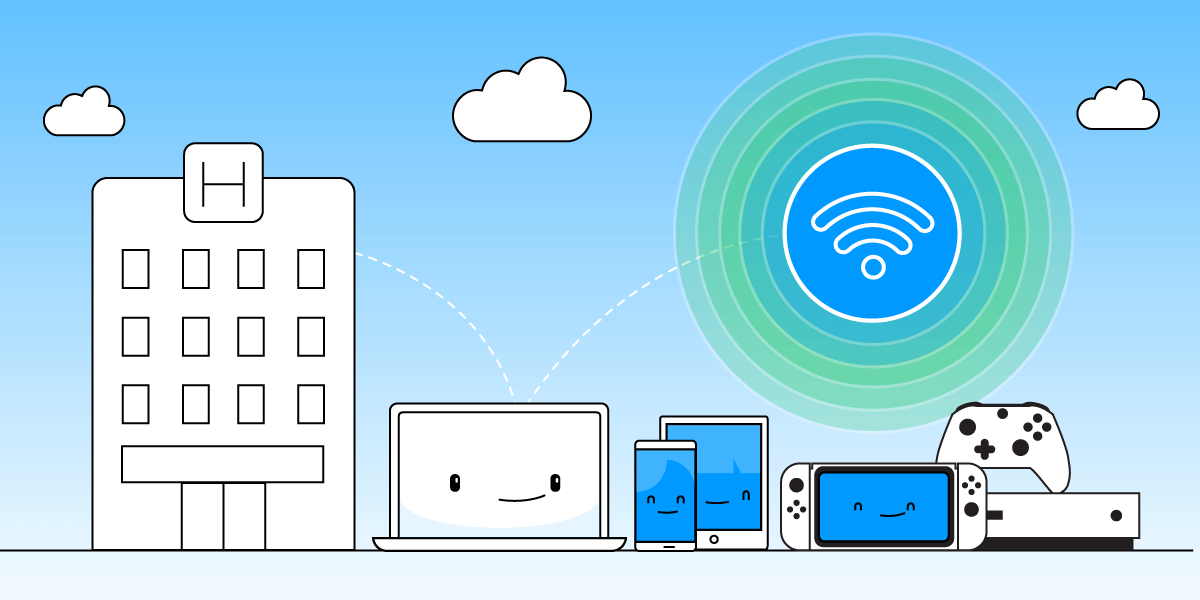
While other guest Wi-Fi solutions include expensive dedicated hardware (such as enterprise routers) and cloud managed systems, Connectify Hotspot offers you more:
- Share any Type of Internet Connection with Guest Devices: share Internet from existing WiFi networks, LAN, DSL, 4G/5G, even tethered smartphones! You can also share VPN connections via WiFi!
- Save up to 60% of Internet bandwidth by using the built-in universal ad blocker. It even blocks in-app ads!
- Eliminate networking issues by easily bridging other devices onto your home network with Wi-Fi Bridging Mode: eliminate all game consoles (Nintendo, Playstation, Xbox) and smart TV connectivity problems with your home WiFi network!
- Boost your Wi-Fi range with Wi-Fi Repeater Mode in your home or office to get full coverage.
Get Connectify Hotspot
Choose the option that's right for you.

Hotspot MAX

3x Hotspot MAX Lifetime