
Connectify Navigation
  • Features
  • Store
  • Support
  • Download
  • Features
  • Store
  • Support
  • Download

Tag Archive

Smart Device Won’t Connect Because It Needs 2.4 GHz? Use Your PC as a Setup Network

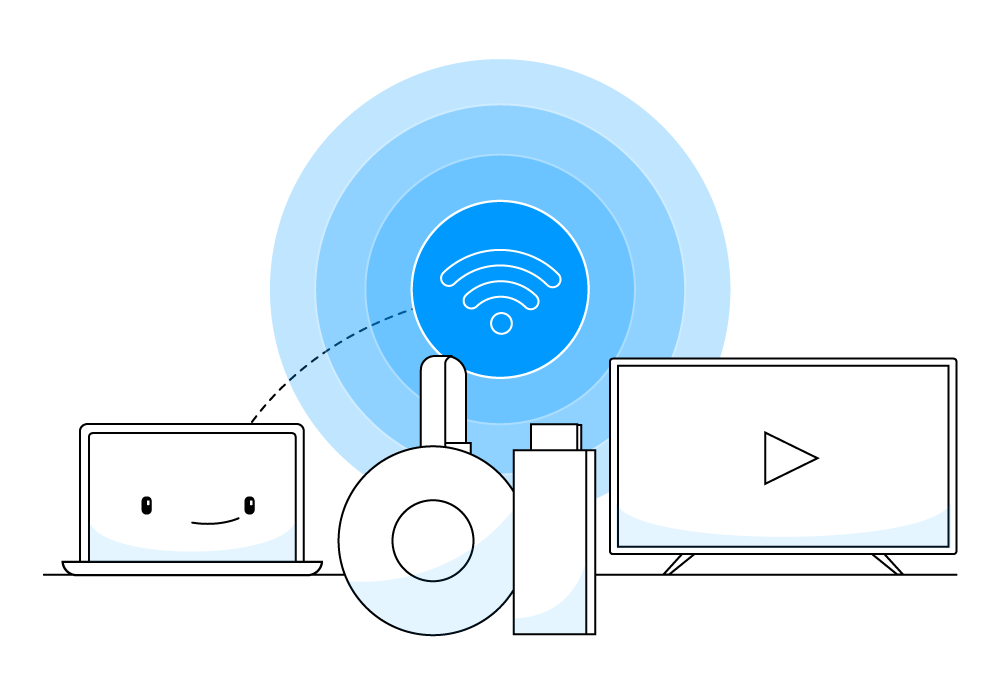
Smart plugs, cameras and printers that only support 2.4 GHz can’t see your dual-band router. Create a temporary 2.4 GHz network from your PC instead.

How to Use Your Google Chromecast in a Hotel Room

Learn How to Get Around Hotel Wi-Fi Restrictions With Your Chromecast Chromecast is a life-changing device. Simply plug it into … Read More

How To Setup Your Connectify Hotspot

Get started with Connectify Hotspot in 60 seconds or less So you’ve just installed Connectify Hotspot… congratulations! Now it’s time … Read More

Connectify Hotspot, A Chromecast’s Best Friend

Note: Since the writing of this post, Alex received his Chromecast and wrote a detailed post explaining how Connectify Hotspot … Read More

Company
  • About Us
  • Privacy Policy
  • End User License Agreement
  • Frequently Asked Questions
  • Careers
Follow Us
  • Blog
  • Contact
  • Press
View Connectify’s profile on Facebook   View Connectify’s profile on Twitter
Solutions
  • Free WiFi Hotspot Software App for Windows Computers
  • Best Mobile WiFi Hotpot for International Travel
  • Best WiFi Range Extender: Use Your Own Laptop with Connectify Hotspot
  • How to Get Your Chromecast Working on a Hotel Room WiFi
  • Block Web Ads and In-App Ads with a Universal Ad Blocker
  • Guest Wi-Fi Solutions – How to Set One Up Using a Software
  • Wireless Repeater Right on Your Windows PC with Connectify Hotspot
  • Block Ads in Apps on iPhone and Android Smartphones
  • Create a Laptop Wi-Fi Hotspot to Share Any Connection
  • Hotspot Management Software with Built-In Ad Blocker
  • Portable WiFi for a Laptop App: Connectify Hotspot